101 Interview Tips1.0
Publisher Description
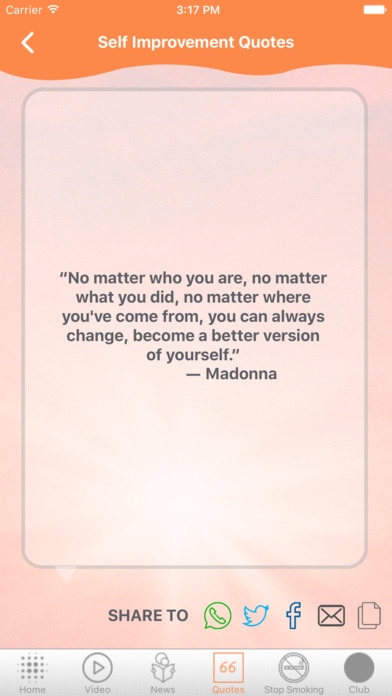
This An Introduction To 100 Interview Tips App .
1 to 10 Interview Tips
11 to 20 Interview Tips
21 to 30 Interview Tips
31 to 40 Interview Tips
41 to 50 Interview Tips
51 to 60 Interview Tips
61 to 70 Interview Tips
71 to 80 Interview Tips
81 to 90 Interview Tips
91 to 101 Interview Tips
Video
How to Introduce Yourself? : Interview Tips in Hindi
How to Ace an Interview: 5 Tips from a Harvard Career Advisor
Top 10 Interview Tips To CRUSH Your Interview
Mistakes to avoid during a job interview - Job interview tips
12 Job Interview Tips
How To Prepare For a Job Interview
Job Interview Tips - Job Interview Questions and Answers
Interview Tips - The Top 5 Job Interview Tips You NEED To Pay Attention To
JOB INTERVIEW TIPS
Job interview tips in hindi
Download and Enjoy reading An Introduction To 100 Interview Tips
Requires iOS 6.1 or later. Compatible with iPhone, iPad, and iPod touch.
About 101 Interview Tips
The company that develops 101 Interview Tips is autumn chung. The latest version released by its developer is 1.0.
To install 101 Interview Tips on your iOS device, just click the green Continue To App button above to start the installation process. The app is listed on our website since 2016-10-07 and was downloaded 16 times. We have already checked if the download link is safe, however for your own protection we recommend that you scan the downloaded app with your antivirus. Your antivirus may detect the 101 Interview Tips as malware if the download link is broken.
How to install 101 Interview Tips on your iOS device:
- Click on the Continue To App button on our website. This will redirect you to the App Store.
- Once the 101 Interview Tips is shown in the iTunes listing of your iOS device, you can start its download and installation. Tap on the GET button to the right of the app to start downloading it.
- If you are not logged-in the iOS appstore app, you'll be prompted for your your Apple ID and/or password.
- After 101 Interview Tips is downloaded, you'll see an INSTALL button to the right. Tap on it to start the actual installation of the iOS app.
- Once installation is finished you can tap on the OPEN button to start it. Its icon will also be added to your device home screen.
